
Blog
What is new in 5sDesk
New features and improvements, explained from the point of view of your working day: what is new, who it is for, and how it fits into the workflow. Every post links to the matching feature page.
 Latest post
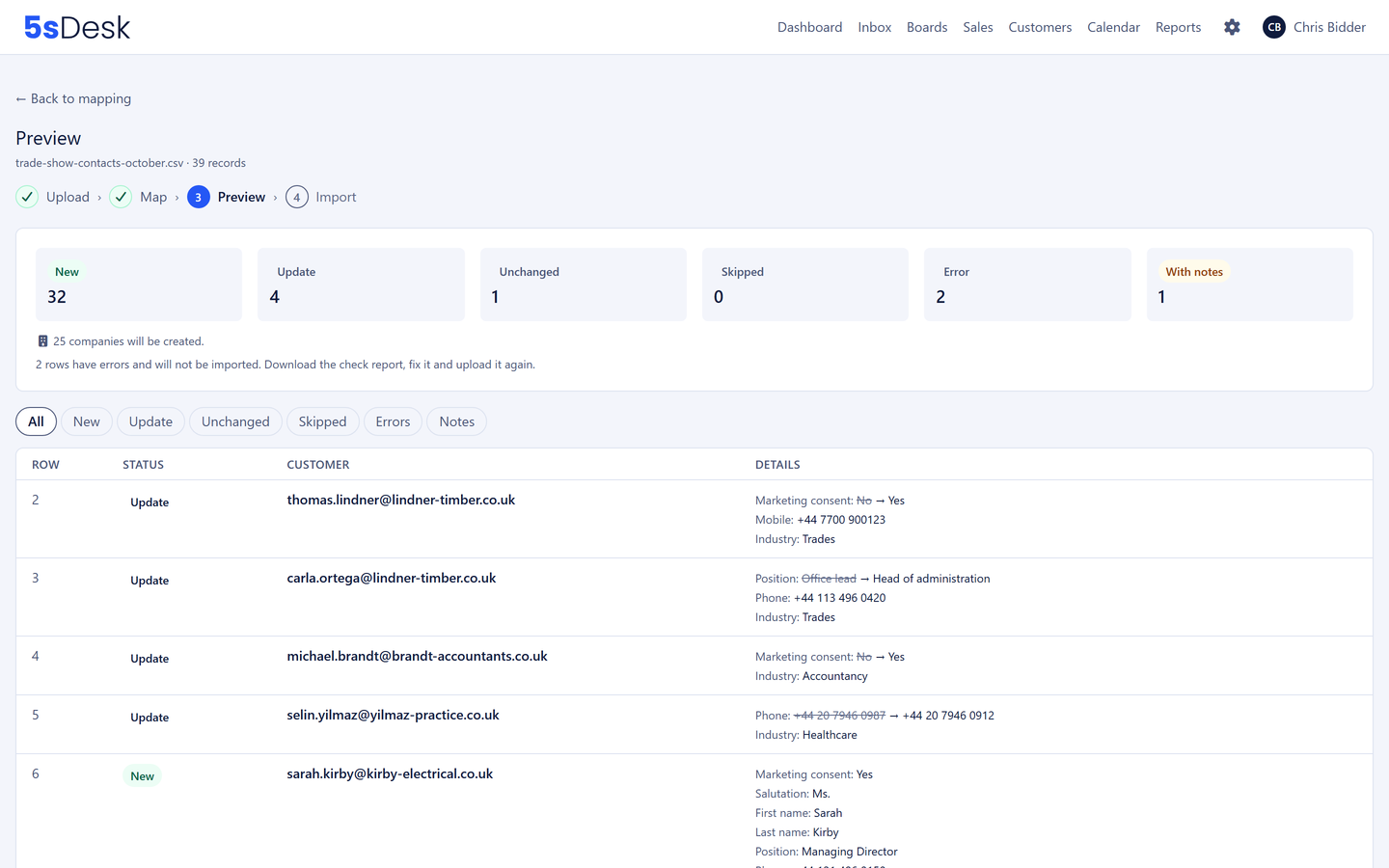
Import and export for customers and companies: move your contacts in minutes
Customers and companies now come into 5sDesk as a CSV file. The preview shows every change first, custom fields come along, and there is a way back.
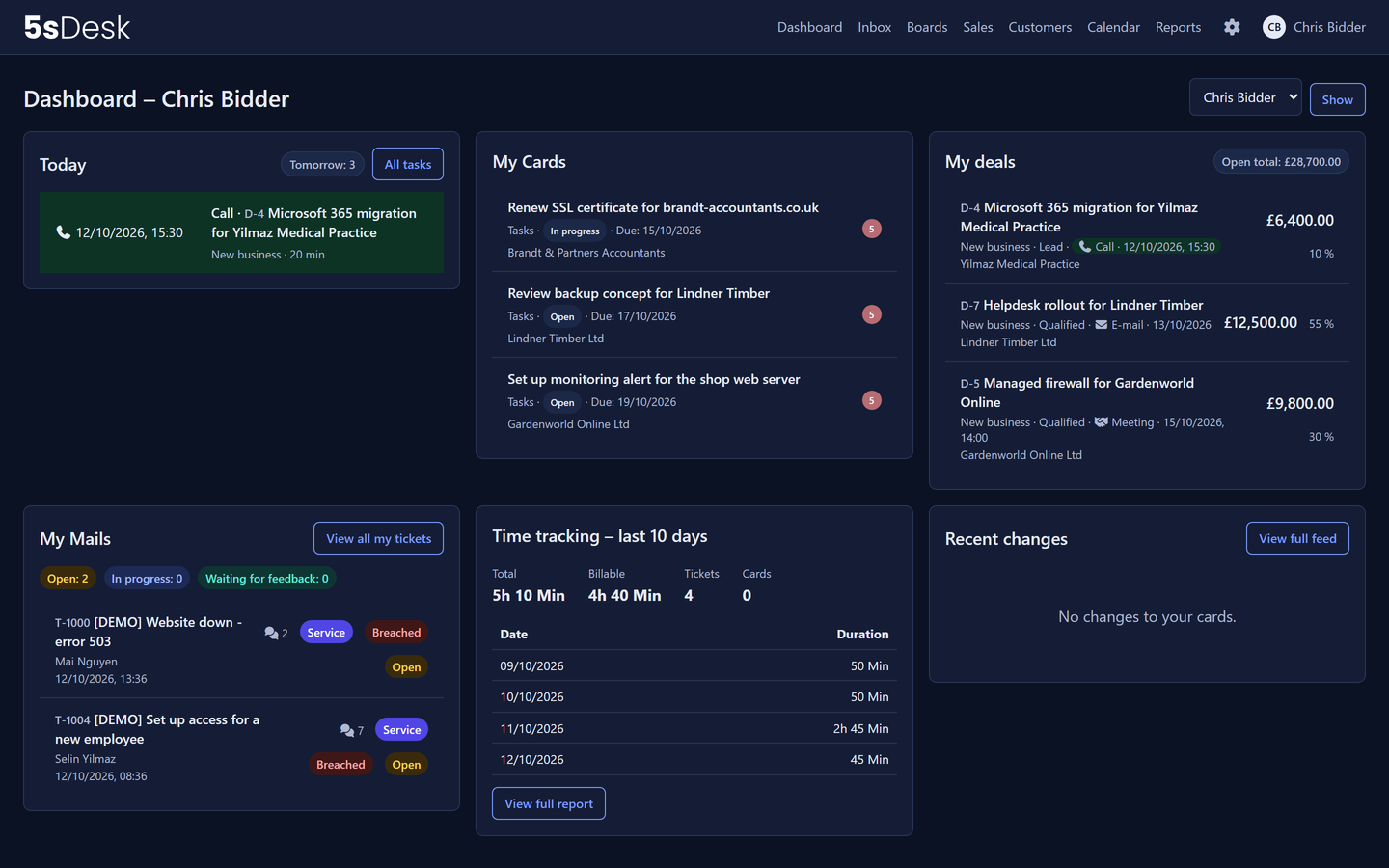
Dark mode for the agent app
Everyone chooses between light, dark and "Match system" in the avatar menu. The switch happens without reloading, and the contrasts are checked.
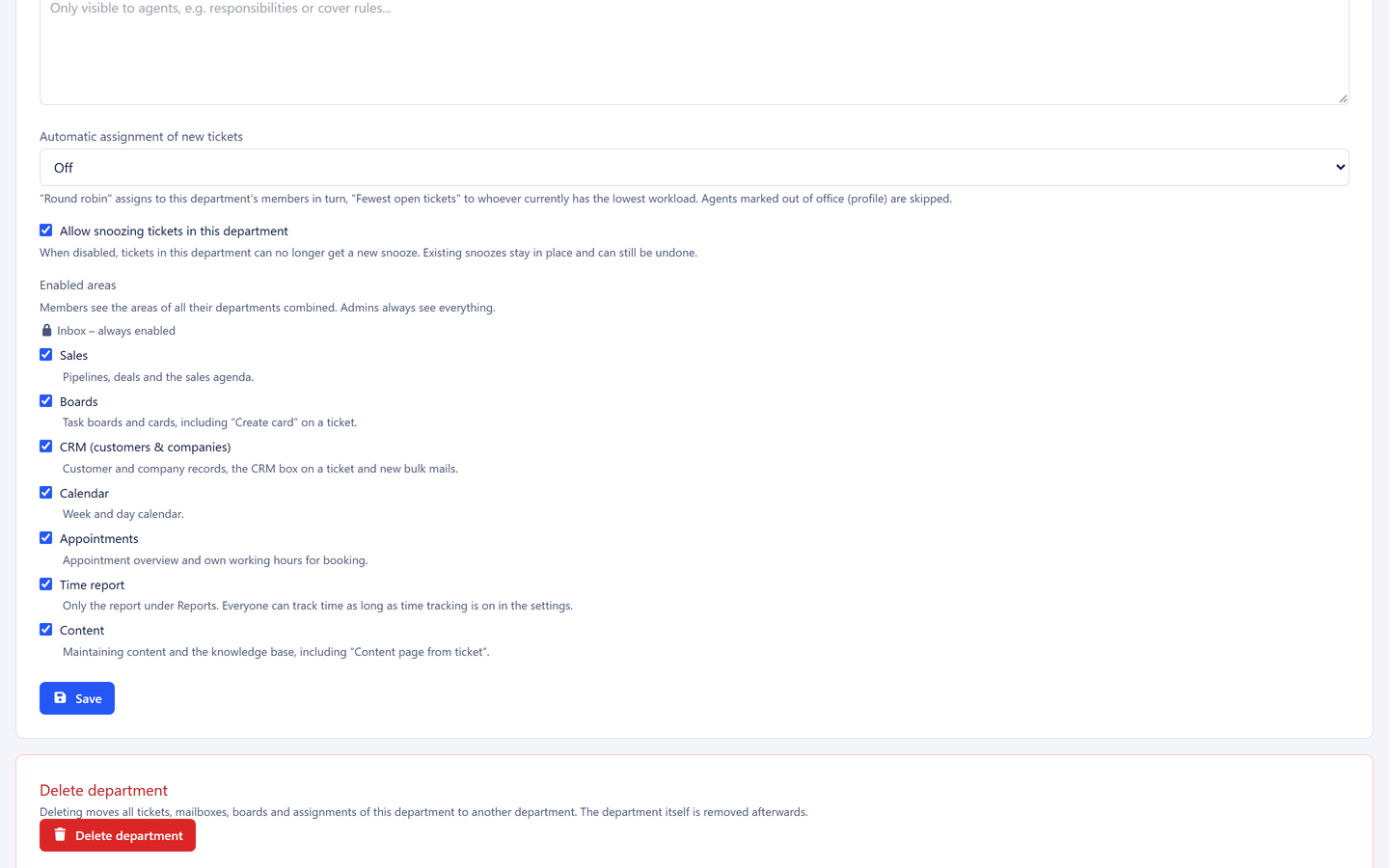
Areas per department and a department lead
For each department you decide which areas the team sees, and you name a department lead with extended rights. Support sees no sales.
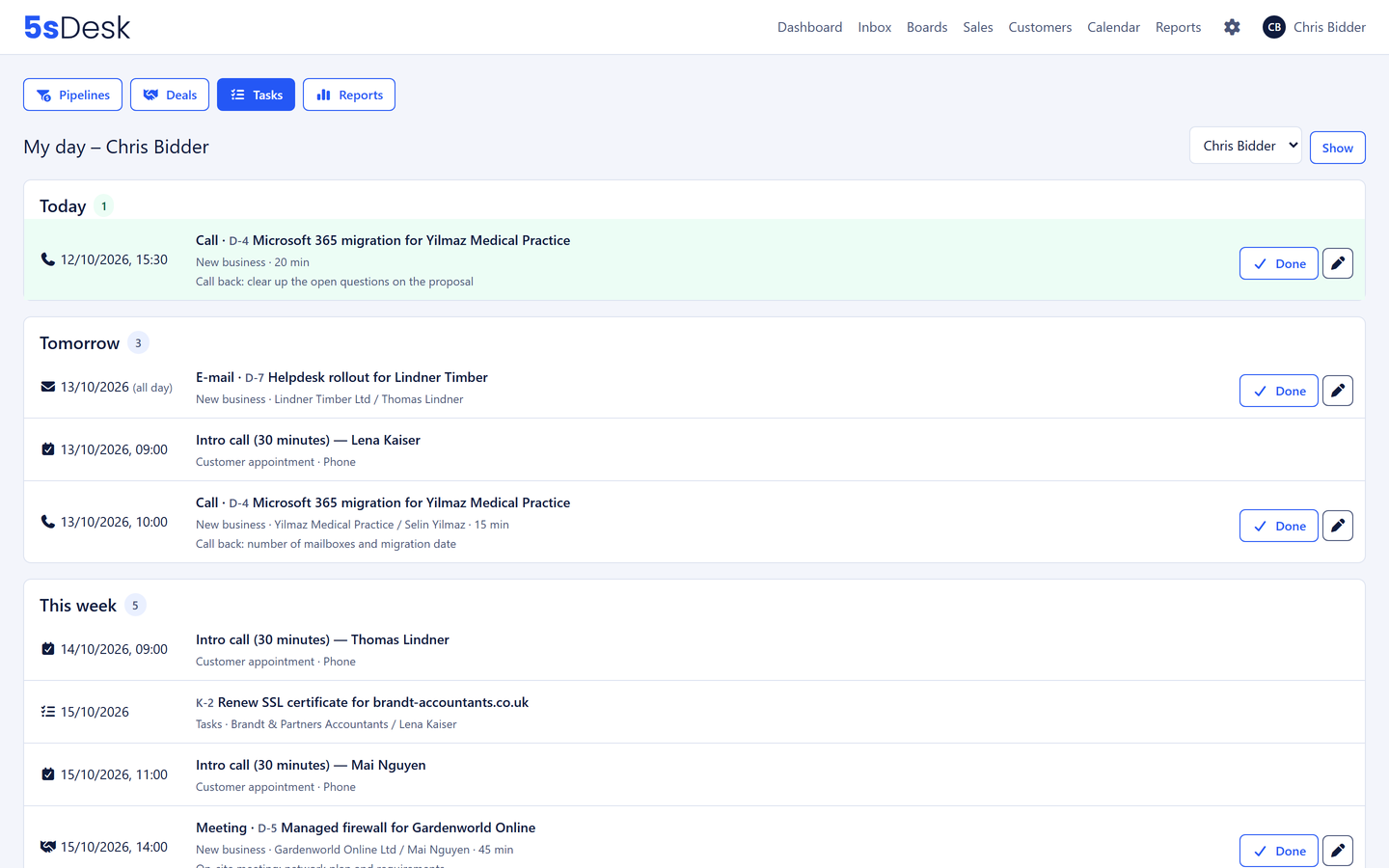
Next action, "My day" and your own calendar in 5sDesk
Every deal carries its next step, "My day" shows what is due today, and your own calendar blocks the time. Phone appointments even without Outlook.
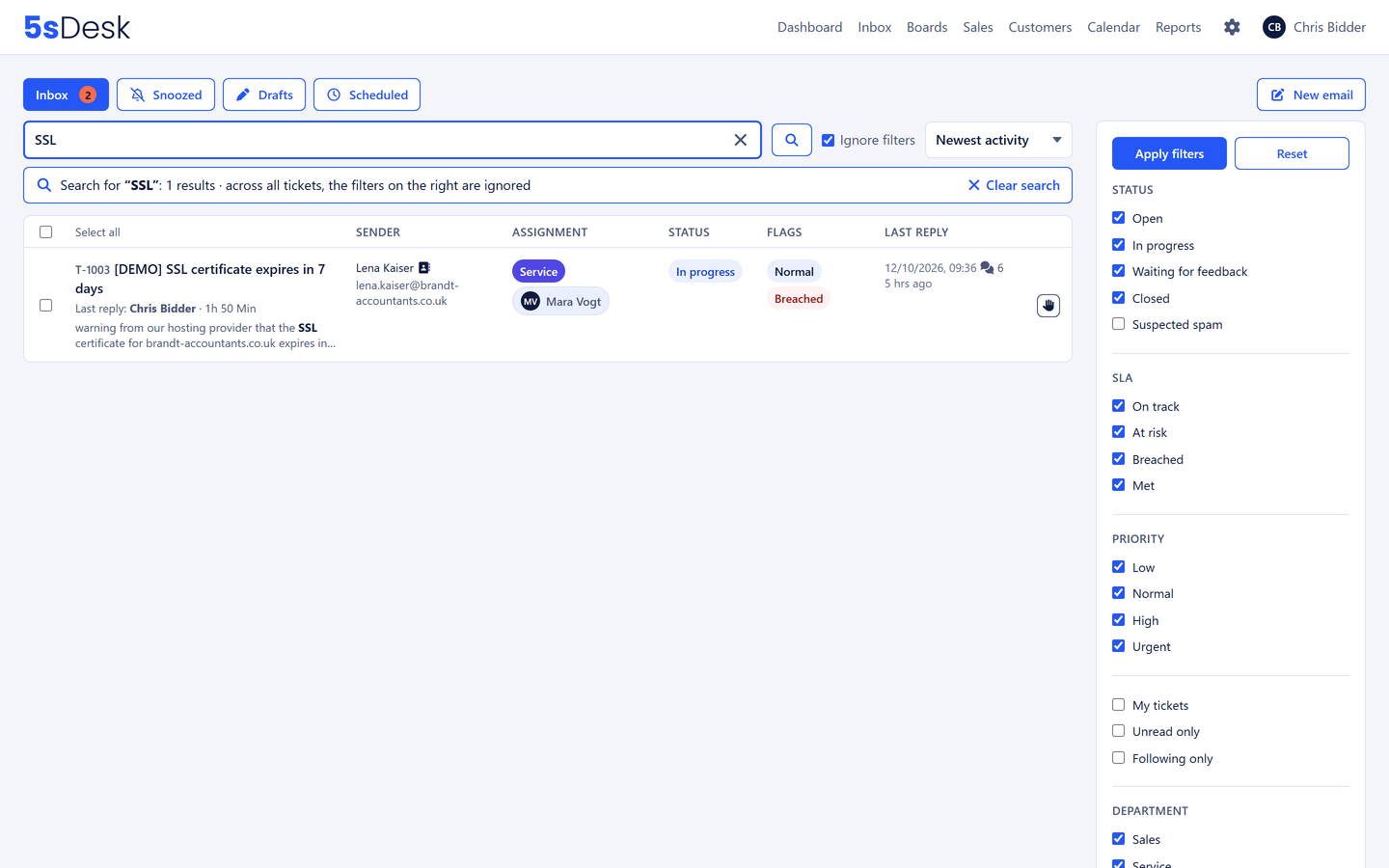
328,000 tickets, search in a quarter of a second
We loaded 5sDesk with three years of support history and fixed everything that had slowed down. After years of use it still feels like day one.
Use every new feature right away
New features are included in every plan at no extra cost. Try it for 30 days.