Skip to content

Feature · Customer portal

Customers see the status before they ask

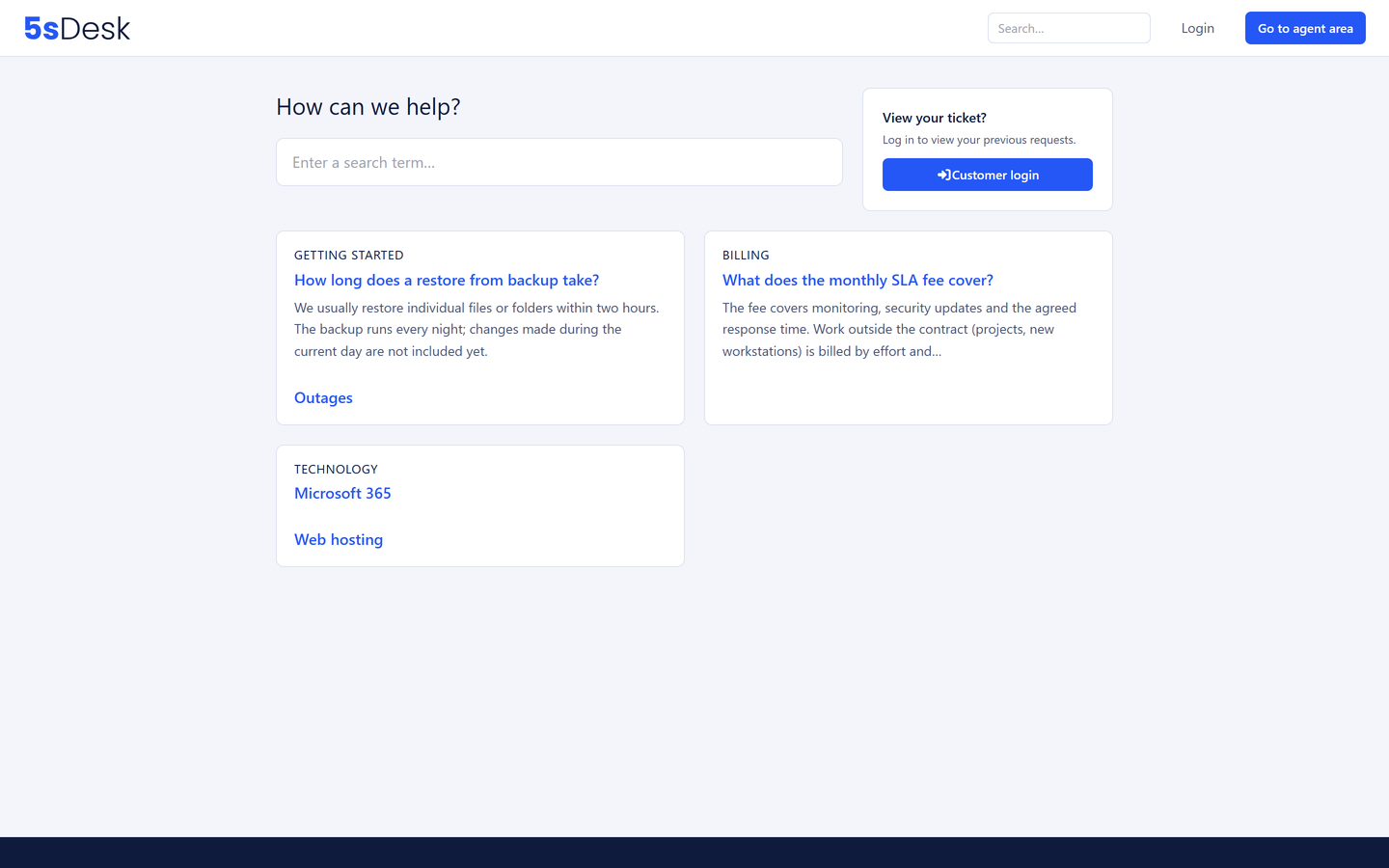
The customer portal is the outward face of 5sDesk: customers follow their tickets, open new ones and find answers in the knowledge base. Sign-in by link, with no password to forget.

30-day trial · cancel free of charge during the trial · every module in every plan

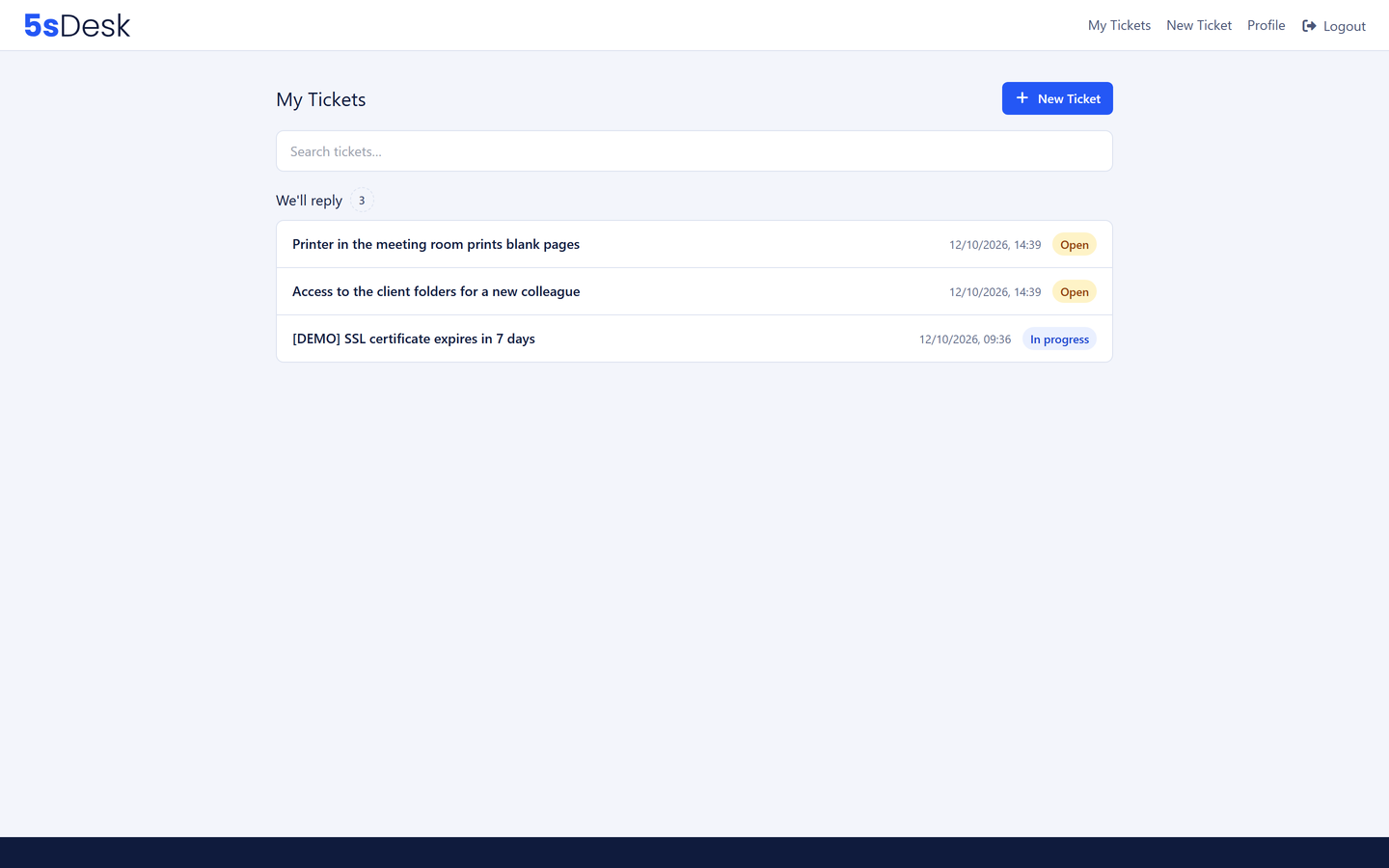
Customer portal with the ticket overview in the groups "You should reply", "We are replying" and "Done"
  • Sign-in by link, no password, protected against automated attempts
  • Three plain-language groups instead of status codes
  • Your logo, your menus, your languages

In detail

What customers can do in the portal

Tickets from the customer's point of view

"You should reply", "We are replying" and "Done". Customers do not need to understand a ticketing system to know whose move it is. They open new tickets, reply within the history, close their own tickets and see every attachment of a ticket in one place. Who is handling it and which department is responsible is shown alongside.

  • Open a new ticket, reply, close
  • Every attachment in the sidebar
  • Search across their own tickets
  • Timestamps in the customer's time zone
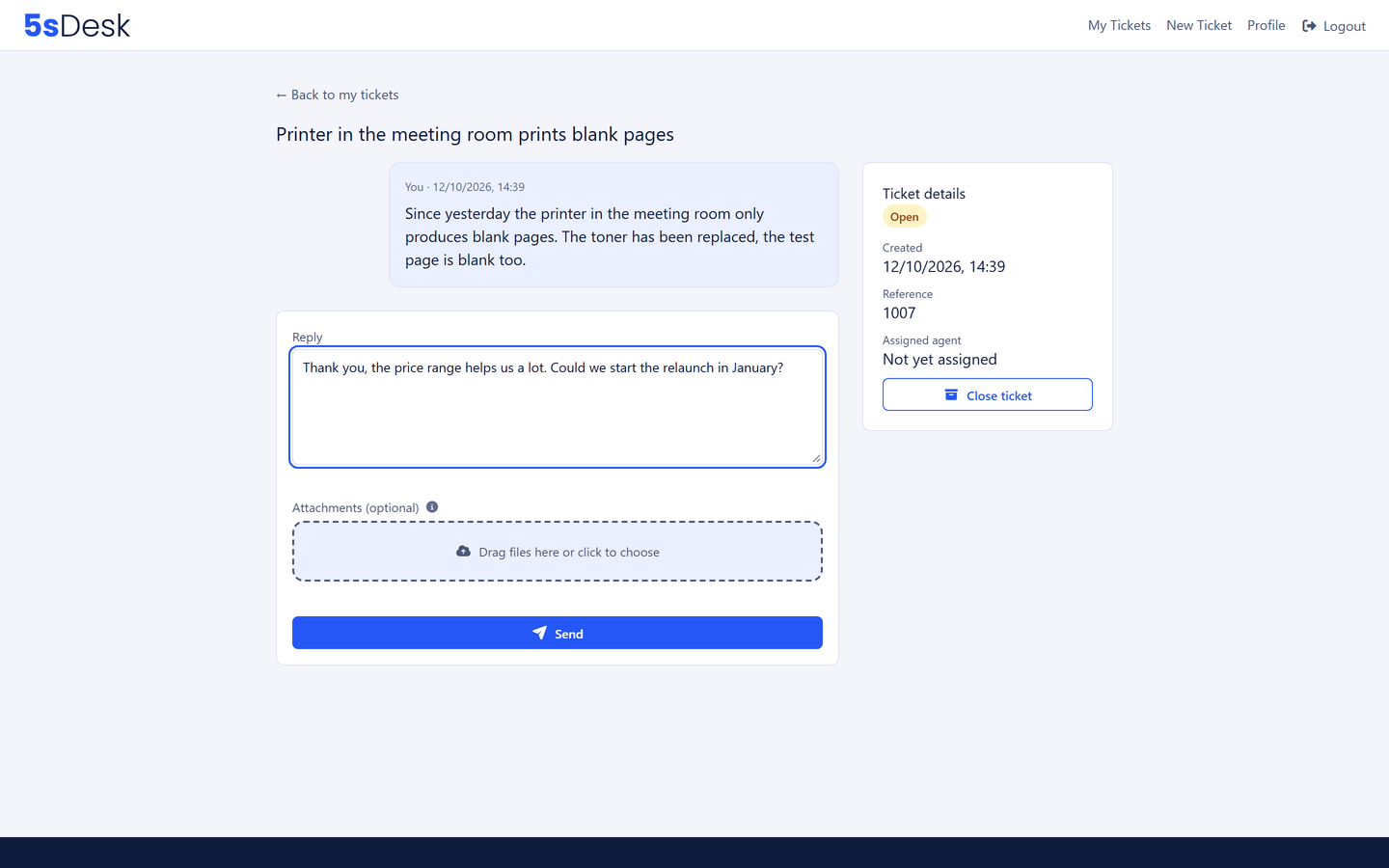
A single ticket in the customer portal with history and attachments

Structured details instead of follow-up questions

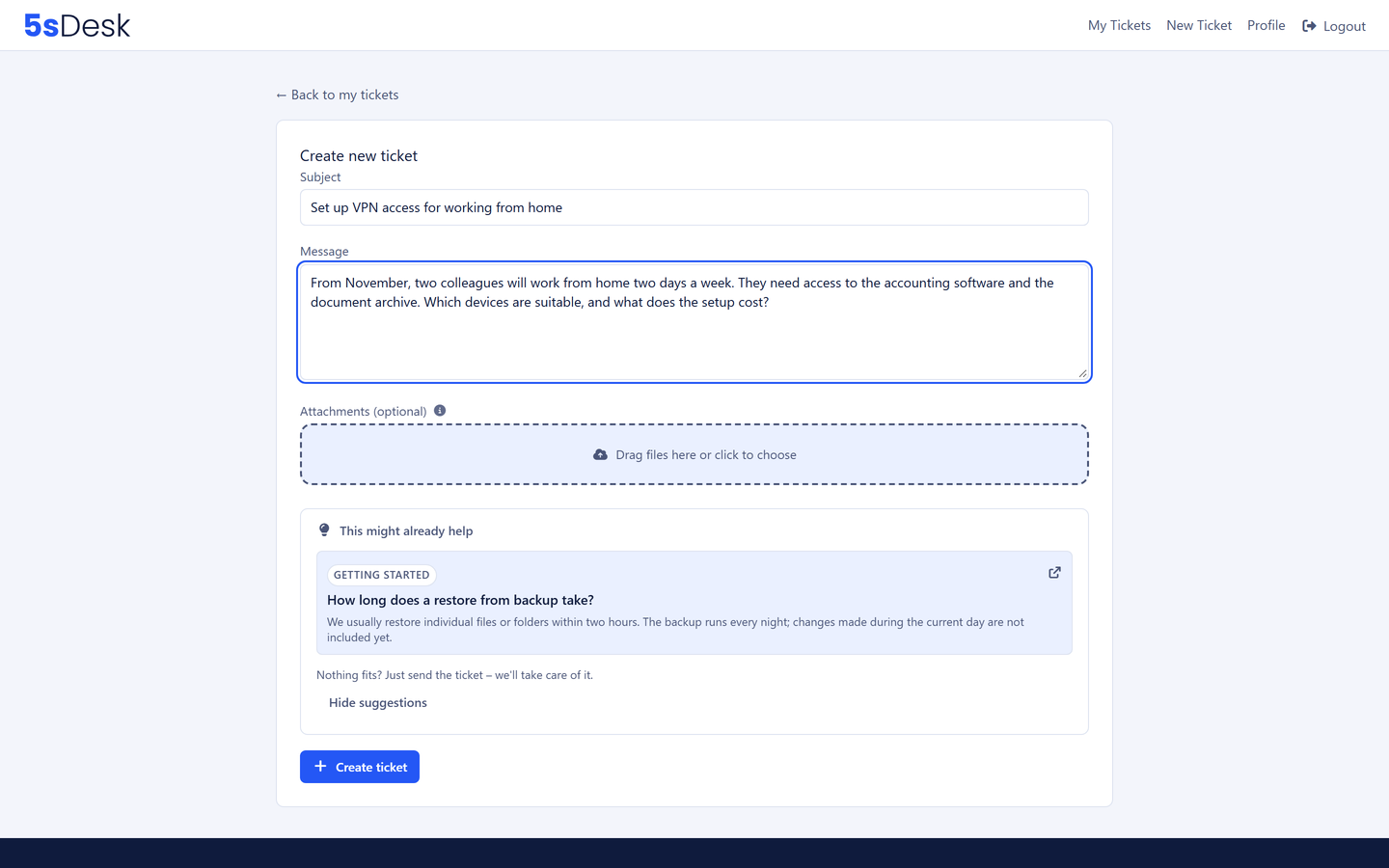
Custom fields you release are filled in by customers themselves when they open a ticket: order number, affected system, property or unit. A detailed info text per field explains what is meant, with formatting and a link to the matching help article. The query "Which shop is this about?" goes away.

  • Custom fields with a required flag
  • Info text for customers only, help text for the team only
  • Customers maintain their language, time zone and own details themselves
Form for opening a ticket with custom fields

Answers before the question is asked

When a customer opens a ticket, the portal suggests matching help articles: "This may already help". Your team uses the same articles in the reply box. One route lowers the ticket volume, the other the handling time.

  • Article suggestions when opening a ticket
  • A public help centre is possible without sign-in
  • Multilingual, with its own address range per language
More about the knowledge base
Article suggestions in the customer portal

Your branding, not ours

Your organisation's name, logo and favicon, header and footer menus with labels per language, your own introductory text and a field for your own script, for a cookie banner, say. The portal runs under your 5sDesk subdomain. From Basic, the 5sDesk notice disappears from forms and appointment booking.

  • Logo, favicon, menus and introduction per language
  • Portal and customer sign-in can be switched separately
  • A shared look with appointment booking and forms

Frequently asked questions

Do customers need a password?
No. Customers enter their email address and receive a sign-in link. On first sign-in only their name is asked for. Several safeguards prevent automated sign-in attempts.
What address does the portal run under?
Under your organisation's subdomain at 5sDesk, with your name, logo and favicon. Links to your legal notice, privacy policy and main website go in the footer menu.
Can I run just a help centre without sign-in?
Yes. The portal and customer sign-in can be switched off separately. That way you run a purely public help centre, or close the portal entirely for a while.
Can customers see internal notes?
Never. Internal comments, notes on the customer and the company and internal articles are invisible to customers and locked against being pasted into replies by accident.

Fewer queries, more transparency

Switch on the portal, upload your logo, invite your customers. Try it for 30 days.

Start free trial

30-day trial · cancel free of charge during the trial · every module in every plan