30-day trial · cancel free of charge during the trial · every module in every plan
Feature · Shared inbox
Your shared mailbox, with ownership
Three of you, or ten, work in a shared info@ or service@ mailbox. Everyone sees everything, nobody knows who is replying. 5sDesk leaves the mailbox as it is and gives every message an owner, a status and a history.
30-day trial · cancel free of charge during the trial · every module in every plan
Connect a shared Microsoft 365 mailbox with "Sign in with Microsoft", no password needed
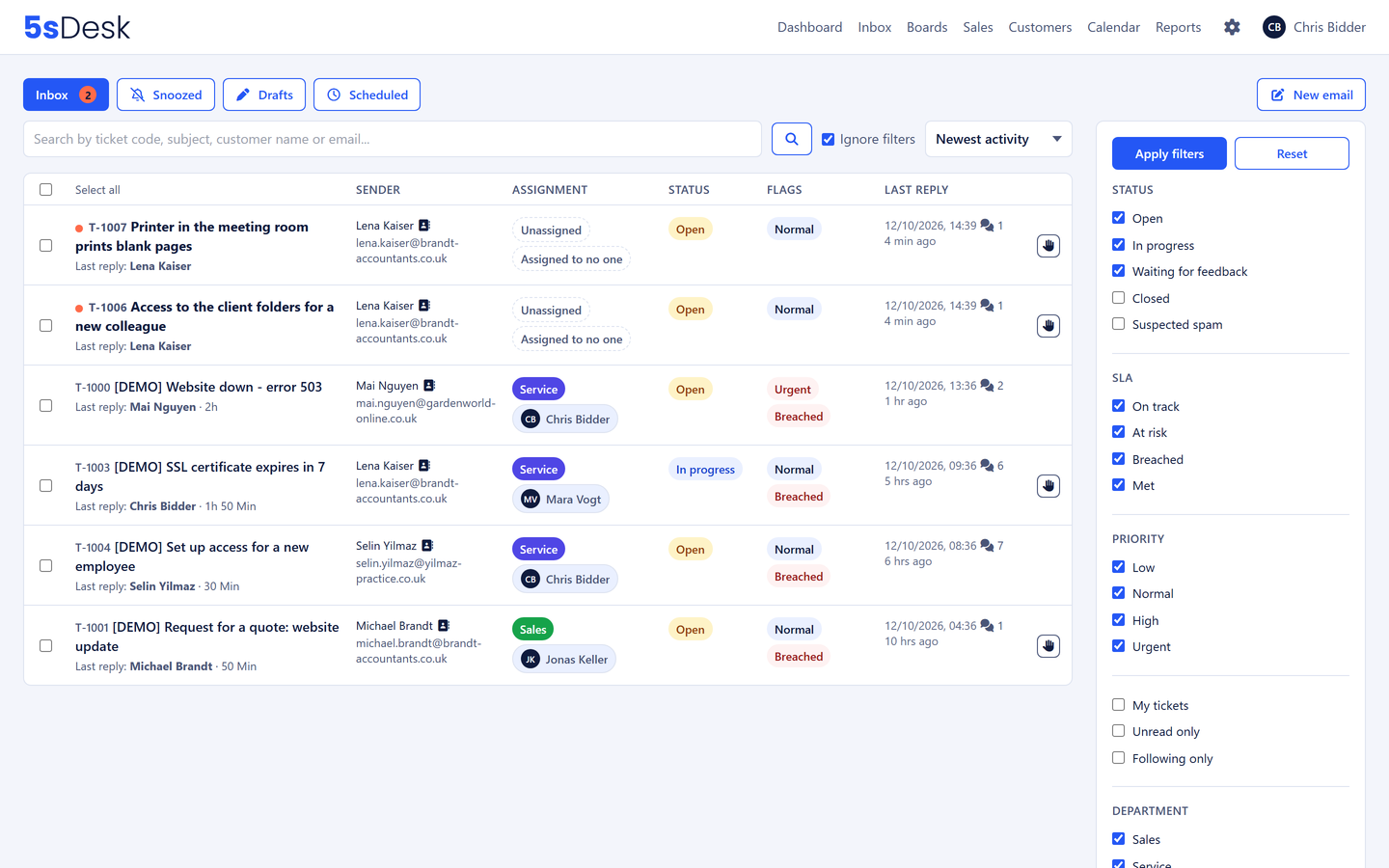
Every message has an owner, visible on every row
Whoever is already replying is shown before a second reply goes out
From mailbox to shared inbox
What changes in the daily routine
The mailbox stays, the overview is added
5sDesk collects the emails from your existing mailbox, via Microsoft 365 or IMAP. Every message becomes a ticket with a number, and every row of the list shows who owns it, who replied last, how many messages there are and whether a deadline is running. You can see the state without opening the message.
Several shared mailboxes side by side, one per department
Unread at a glance, with a counter on the tab
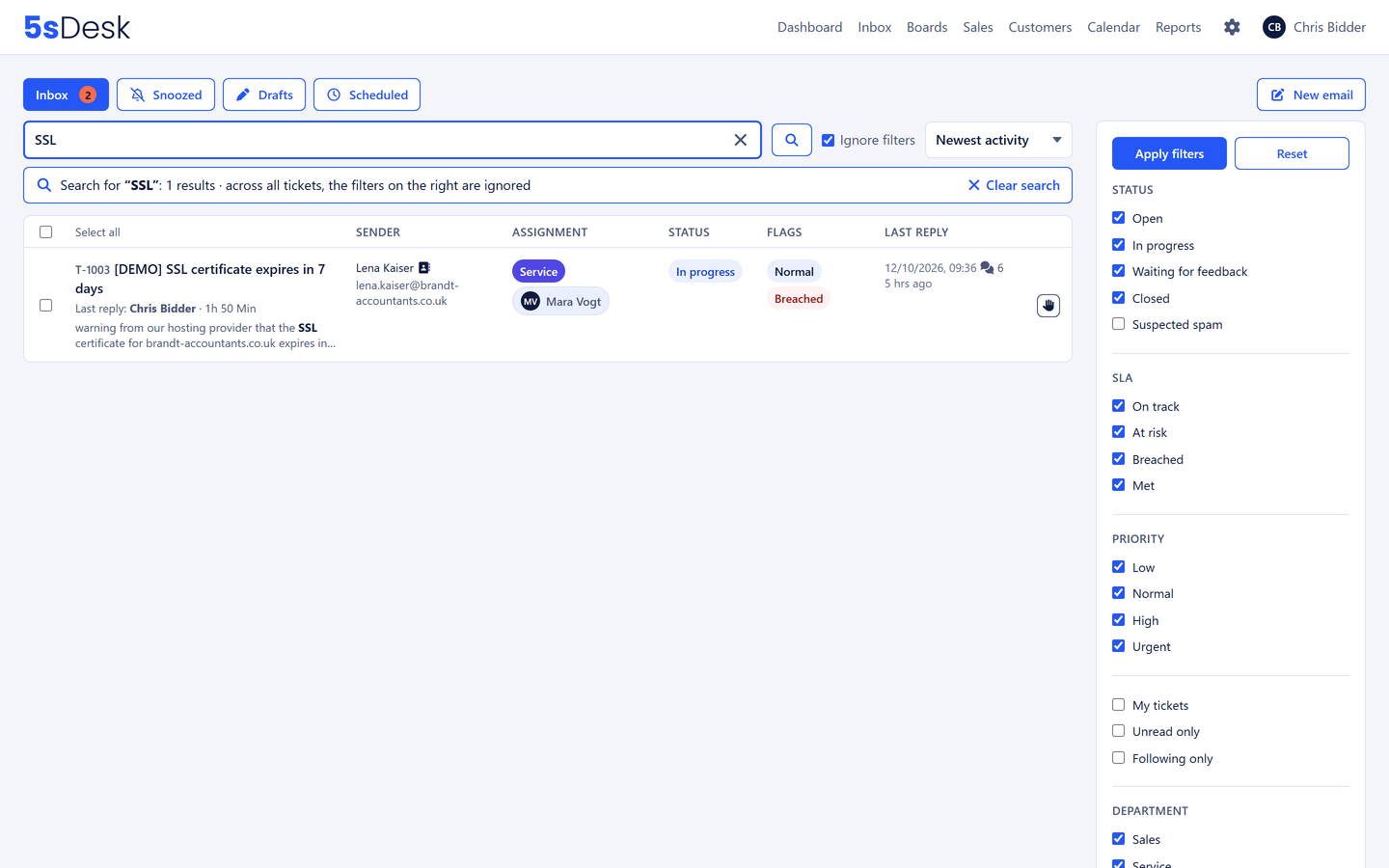
Full-text search across all messages and notes
Assign emails within the team, without forwarding
New requests go round-robin automatically or to the person with the fewest open tickets. Whoever takes it clicks "Take over". If nobody is assigned, the whole department hears about it. The question "Is anyone dealing with this?" no longer comes up.
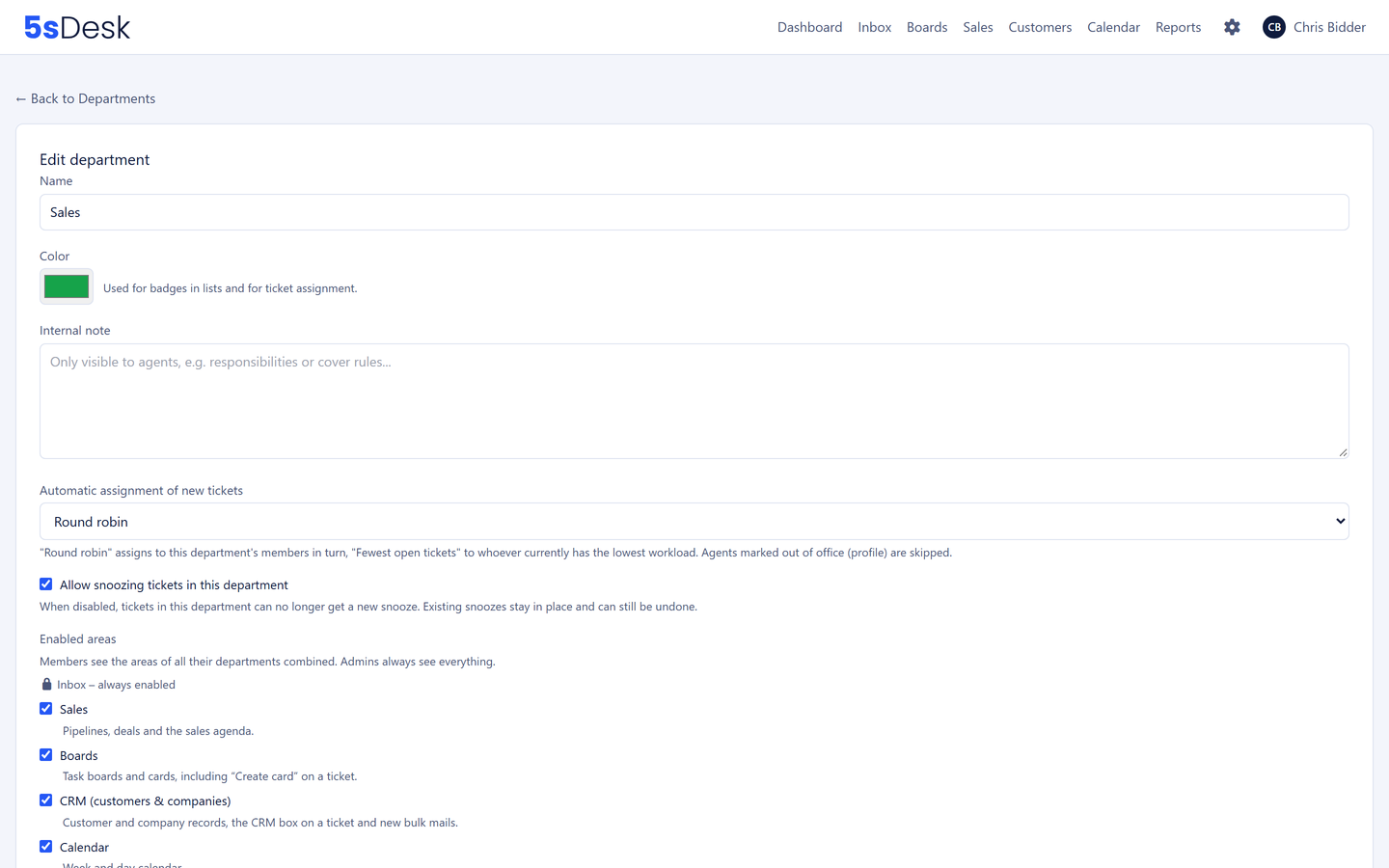
Automatic assignment per department, absent colleagues are skipped
Take over with one click
Watchers for cases you want to keep an eye on
No duplicate replies, no forgotten queries
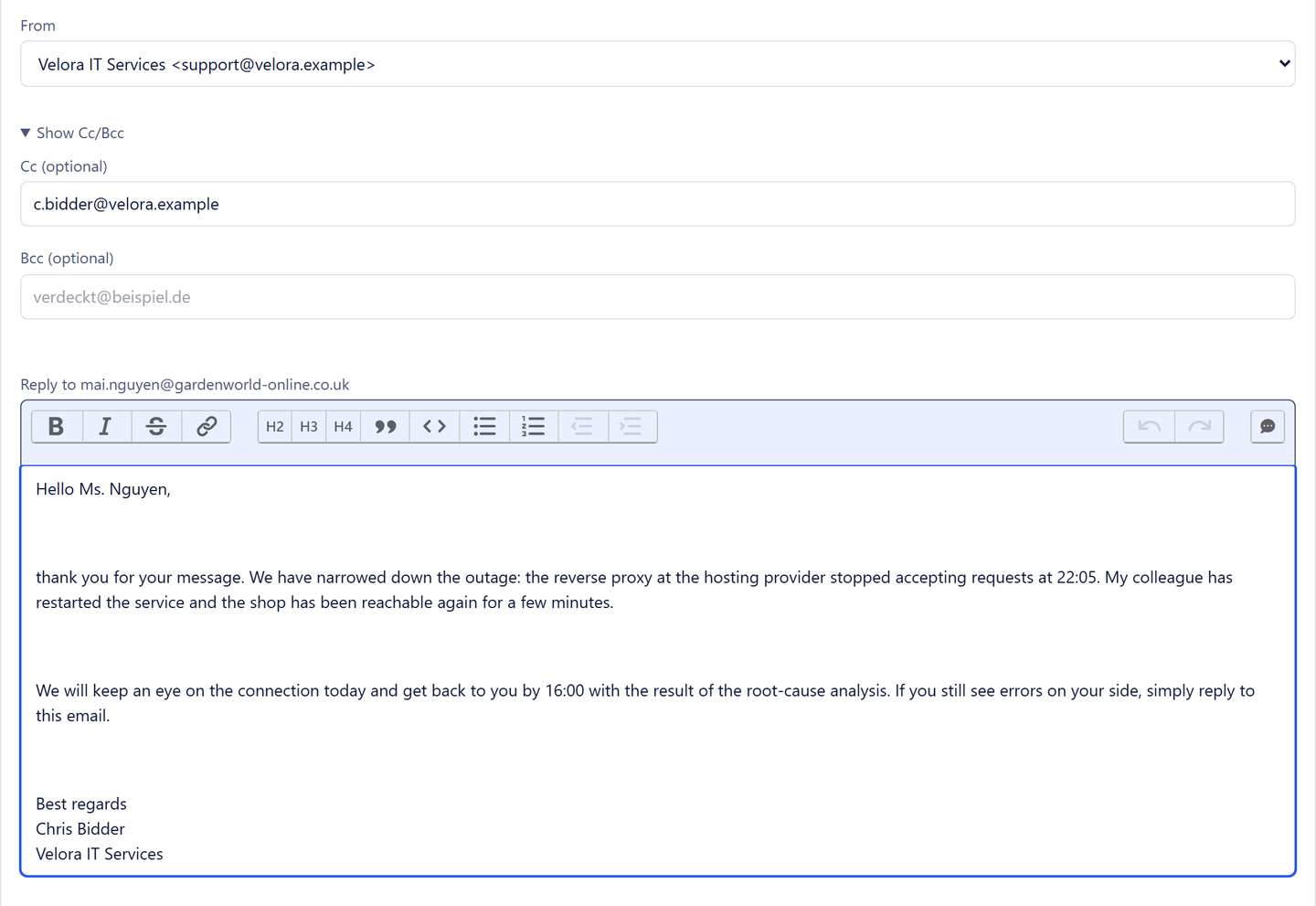
If a colleague is already working on a reply, you see it above the editor. Questions within the team run as internal comments with @-mentions on the ticket, not in a chat nobody can find later. If a message is waiting for a response, you snooze it and get it back at the right time.
Collision notice "Anna is typing"
Internal notes on the ticket, the customer and the company
Snoozing with a reason
And if you want more: the whole ticketing system
In 5sDesk, the shared inbox is the same module as the ticketing system. Deadlines, canned responses, reporting, the customer portal and the links to CRM, boards and time tracking are already there when you need them.
What is the best way to organise a shared mailbox?
With three rules. Every message has exactly one owner. Every message has a status that shows whose move it is. And everything the team knows about it sits on the message rather than in personal folders. A shared mailbox alone cannot do that; a shared inbox like the one in 5sDesk does exactly that.
What are the drawbacks of a shared mailbox in Outlook?
It has no ownership, no status and no history across replies. Two people reply to the same email, or nobody does. Whoever moves a message into a subfolder makes it invisible to everyone else. And response times cannot be measured.
Shared inbox or ticketing system, which do we need?
In 5sDesk they are the same thing. Start with what you know: your mailbox, with ownership and status. Switch on deadlines, canned responses and reporting when the team needs them. There is no need for a second tool.
Does everyone in the team have to switch at once?
No. Sent-folder matching attaches replies that are still sent straight from Outlook to the right ticket. The history stays complete while the team moves across bit by bit.
info@ becomes a shared inbox
Connect your mailbox, switch on ownership, try it for 30 days.