30-day trial · cancel free of charge during the trial · every module in every plan
For consultancies
From the intro call to the billable hour
Consulting runs on conversations, decisions and time. In 5sDesk the client books the intro call themselves, the notes sit on the project card, time runs where the work happens, and at month end the reporting per client is a filter.
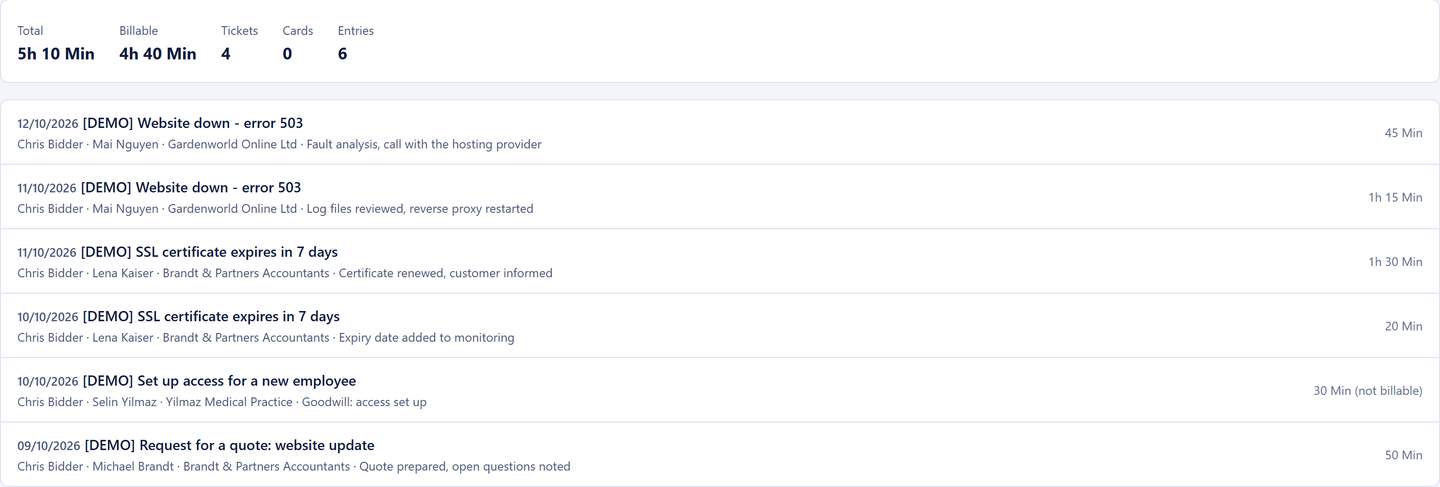
Booking link with free slots from your own calendar, Outlook or Google
Meeting notes, estimate and due date on the card
Reporting per company, billable or not, export for your accounts team
30-day trial · cancel free of charge during the trial · every module in every plan
Consulting life
Three things that eat time in consultancies
Agreeing appointments by email
"Does Tuesday at 14:00 work?" Four emails back and forth, then the entry typed into the calendar by hand and the Teams invitation on top.
Notes in the wrong system
What was discussed in the meeting sits in a minutes document nobody can find once the task is being done.
Billing from four sources
Hours from emails, appointments and tasks are gathered up at month end and copied into a spreadsheet.
How it runs
A consulting project from start to finish
1
Step 1: The request becomes a card
Your website form creates a customer record, the company assignment and a card in "New requests", with the uploaded documents as attachments.
2
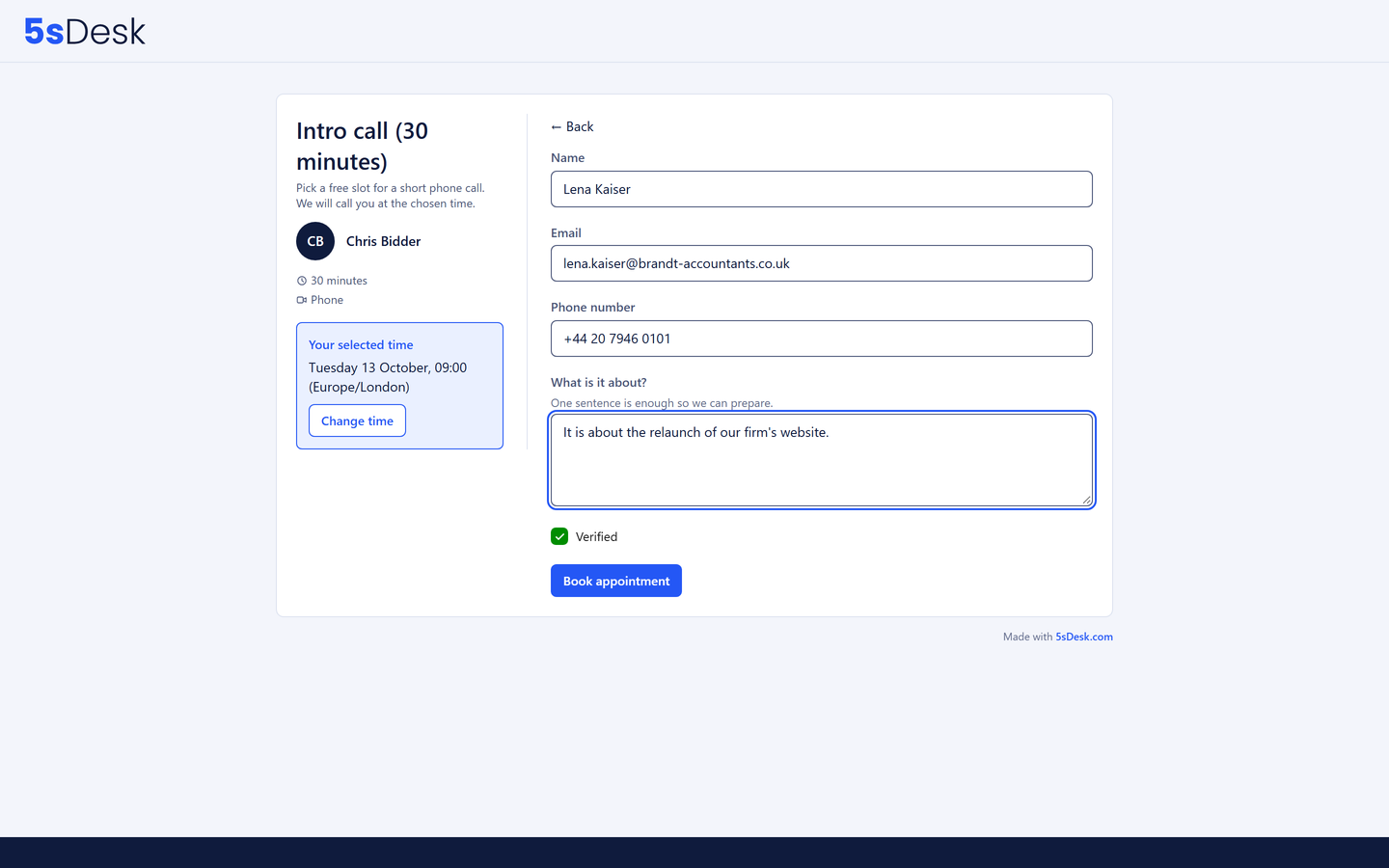
Step 2: The client books the intro call themselves
The booking link shows only real gaps in the calendar. Teams link, calendar entry and a reminder 24 hours before are created automatically. Phone appointments work even without Outlook or Google.
3
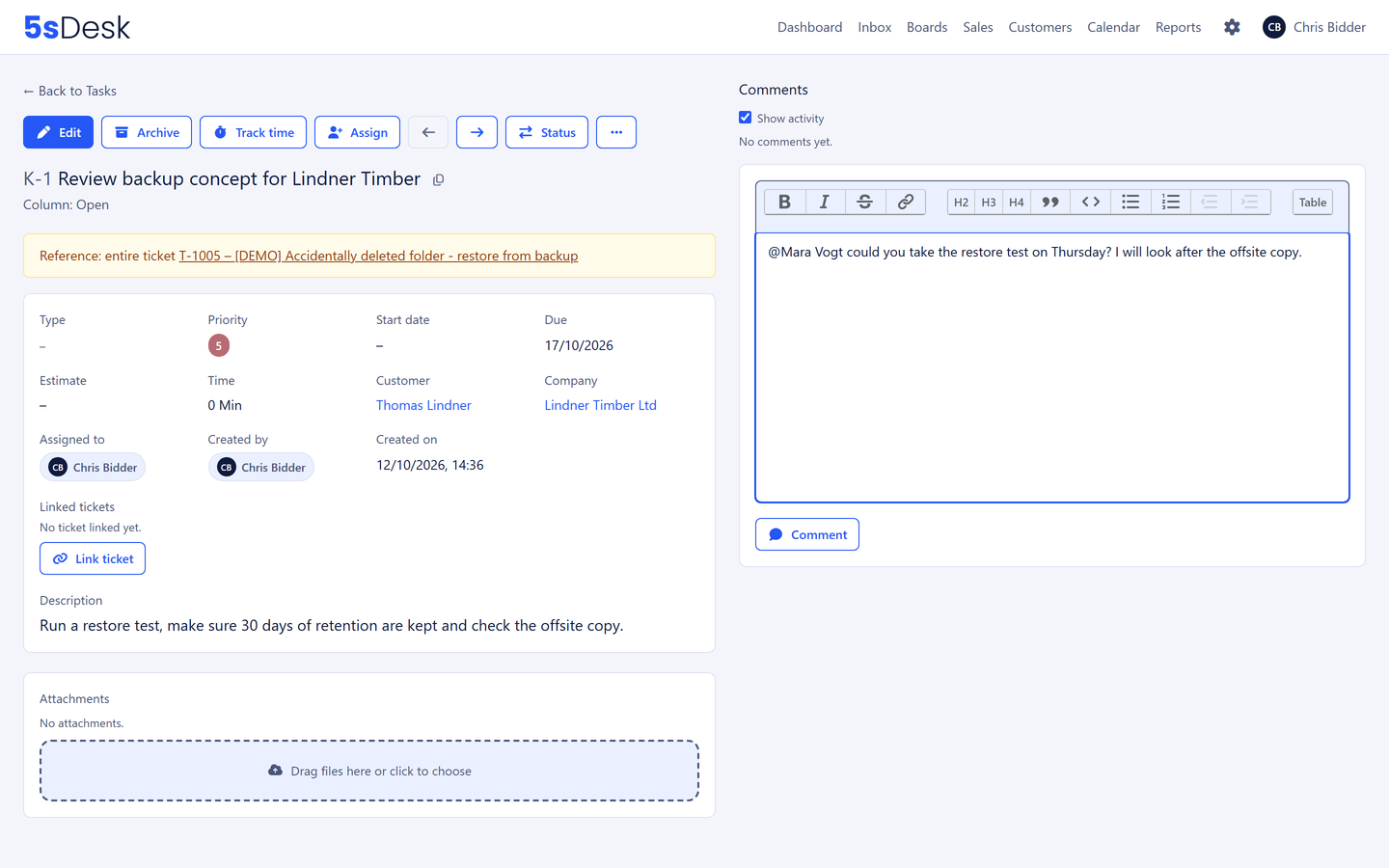
Step 3: Notes and estimate on the card
Meeting notes, effort estimate and due date sit on the card. Questions within the team run as comments with an @-mention.
4
Step 4: Time runs while you work
Timer on the card, entries marked billable or not. The client's questions in between are tickets in the inbox, linked through the customer record.
5
Step 5: Monthly billing as a filter
Period, company, billable. The export delivers every line with a link to the task and opens in Excel with nothing to tidy up.
The features behind it
What consultancies use most in 5sDesk
Appointment booking with a pool
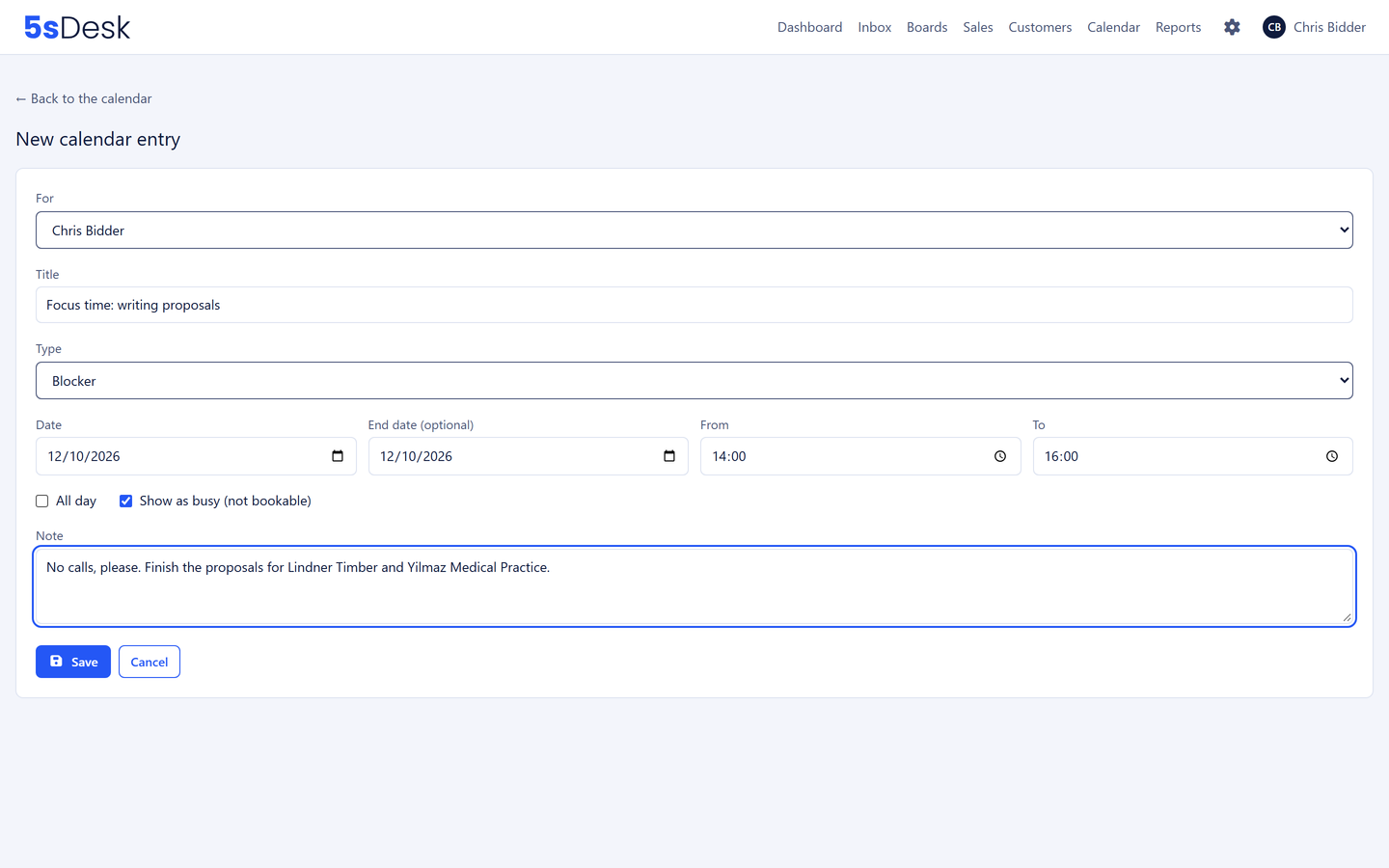
An appointment type for one person or for the whole department. With a pool, the client finds free slots even when one consultant is fully booked, and the appointment goes to the person with the lightest load, including colleagues without Outlook or Google. Blockers and leave go into your own 5sDesk calendar. Clients reschedule or cancel via a personal link, up to a cut-off you set.
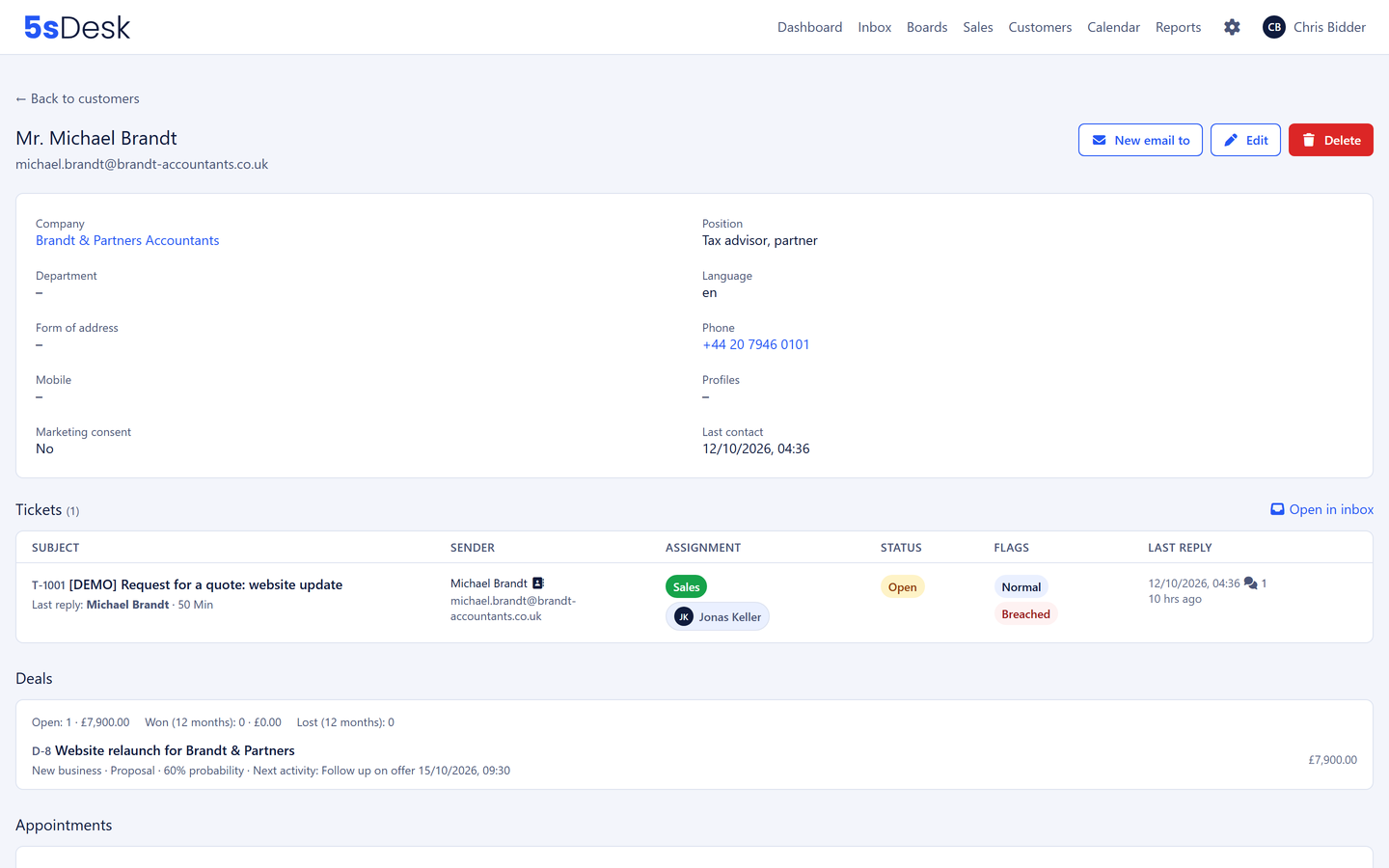
Every ticket and appointment of a person on one page, the company record with every contact, the system in use and the projects under way. Whatever applies permanently sits as a note on the company, not on a single ticket.
Customers, companies and cards get the details your consultancy needs.
Engagement number
Contract type
Day rate
Budget in hours
Decision maker
Next review date
Your own calendar per person
Outlook and Google optional, phone appointments without either
Time on card, ticket and deal
Billable or goodwill, per entry
Monthly export per client
Opens correctly in Excel
Visibility per department
Engagement details stay within the team
Hosted in Germany
Data centre in Nuremberg
Frequently asked questions
Half our team uses Google Calendar. Does that work?
Yes. Each person connects Microsoft 365, Google or both. Appointments land in every connected calendar, with a Google Meet or Teams link. Anyone without an external calendar works with the 5sDesk calendar; phone appointments need no account with Microsoft or Google.
Can appointment booking combine the availability of several consultants?
Yes, through the department pool. The client always finds a free slot, the load is shared fairly, and when an appointment is moved the system looks for the right person again.
How do I keep an eye on an engagement's hours budget?
Set up the budget as a custom field on the company or card and filter the time reporting by company and period. The time tracked also shows as a total on every card.
Do clients see our internal notes?
Never. Internal comments, notes on customers and companies and internal articles are invisible to clients. In the portal they see only their own tickets and public help articles.
The next intro call, booked by the client themselves
Connect your calendar, create an appointment type, put the link in your signature. Try it for 30 days.