30-day trial · cancel free of charge during the trial · every module in every plan
For internal requests
HR and accounts with ownership instead of a shared mailbox
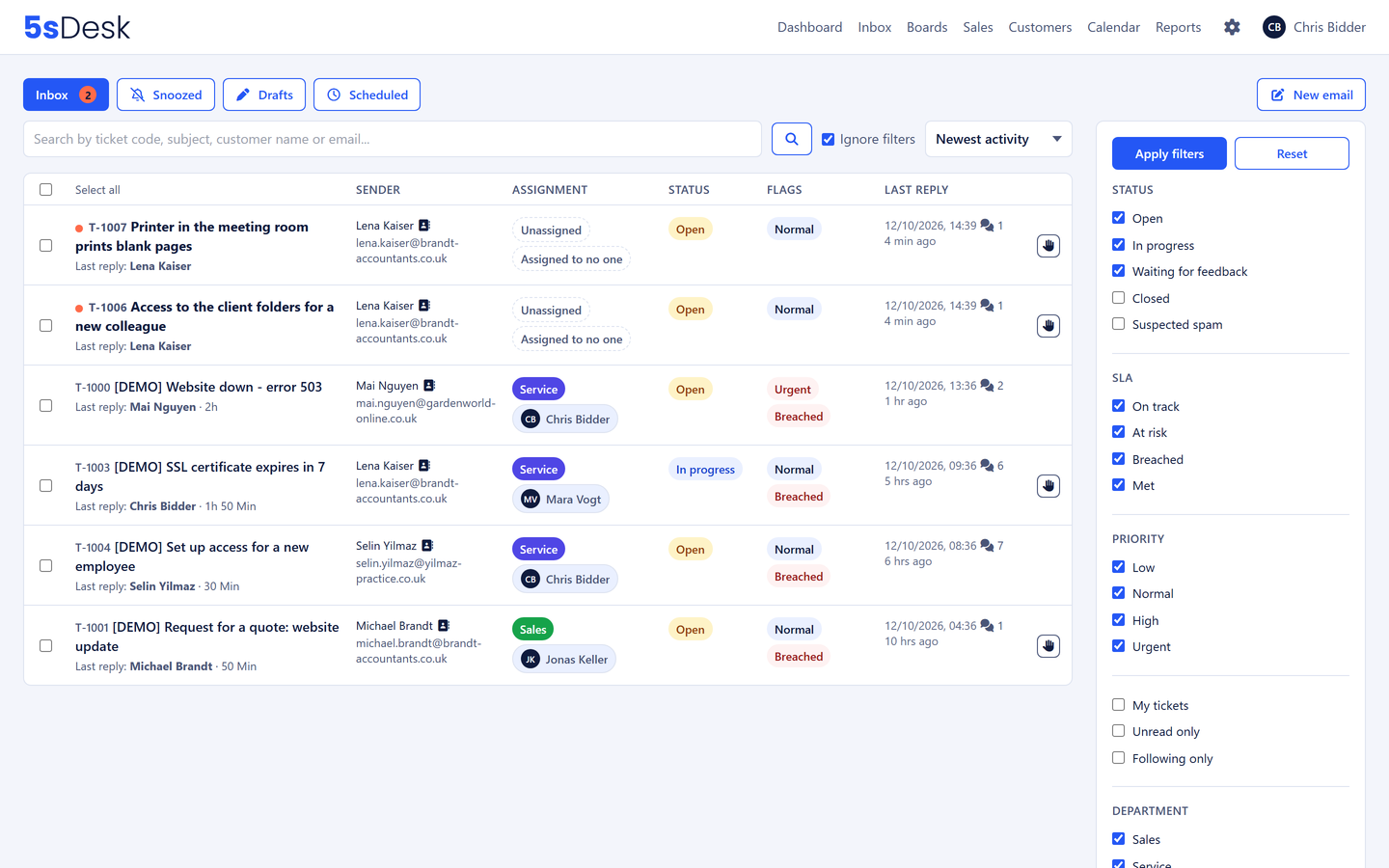
Leave requests, certificates, expenses, invoice queries: internal requests land in an hr@ or accounts@ mailbox where nobody knows who is replying. 5sDesk gives every request an owner, a deadline and a status, visible only to the department concerned.
Mailboxes and areas per department, HR matters visible to HR only
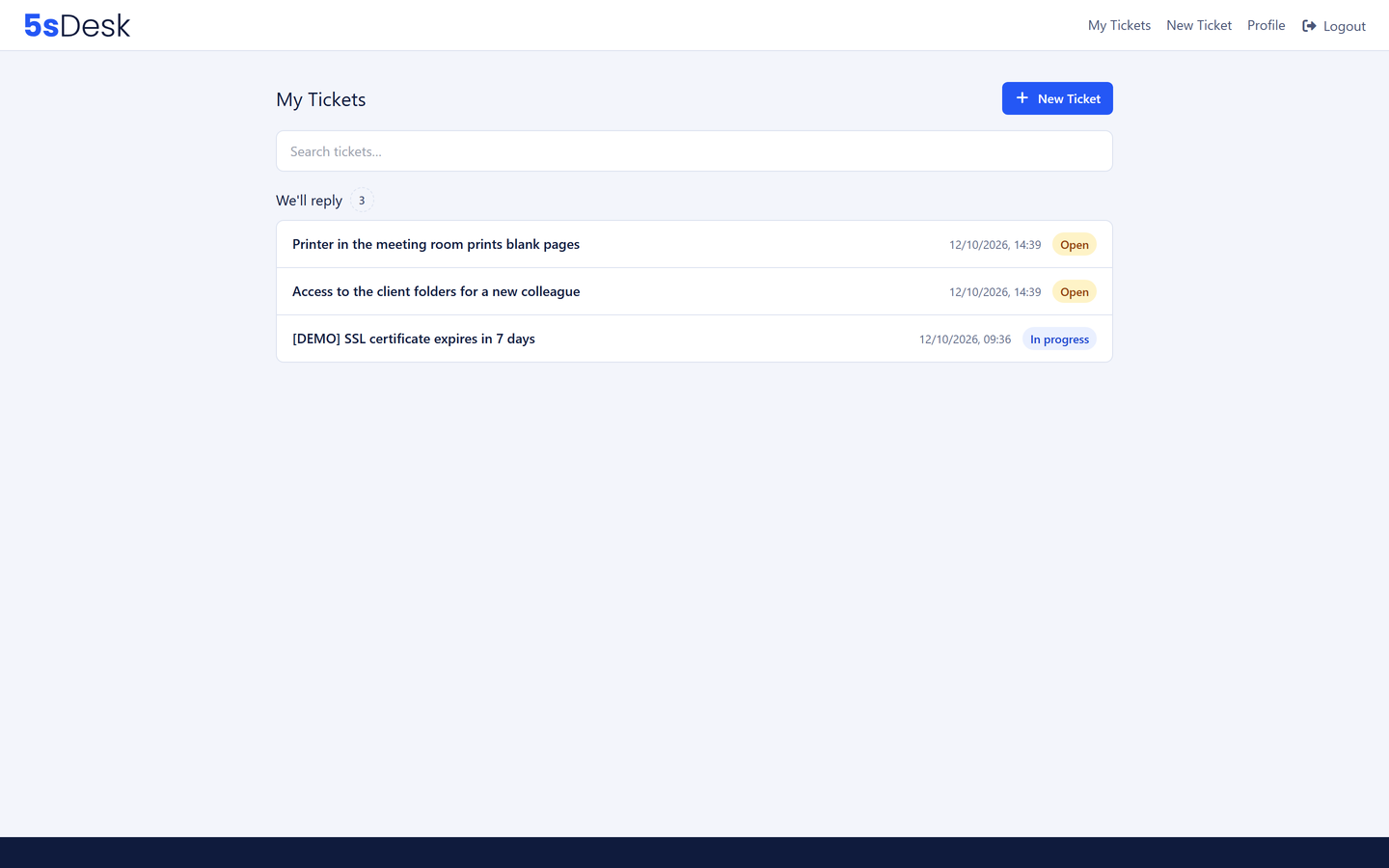
Employees see the status of their request in the portal
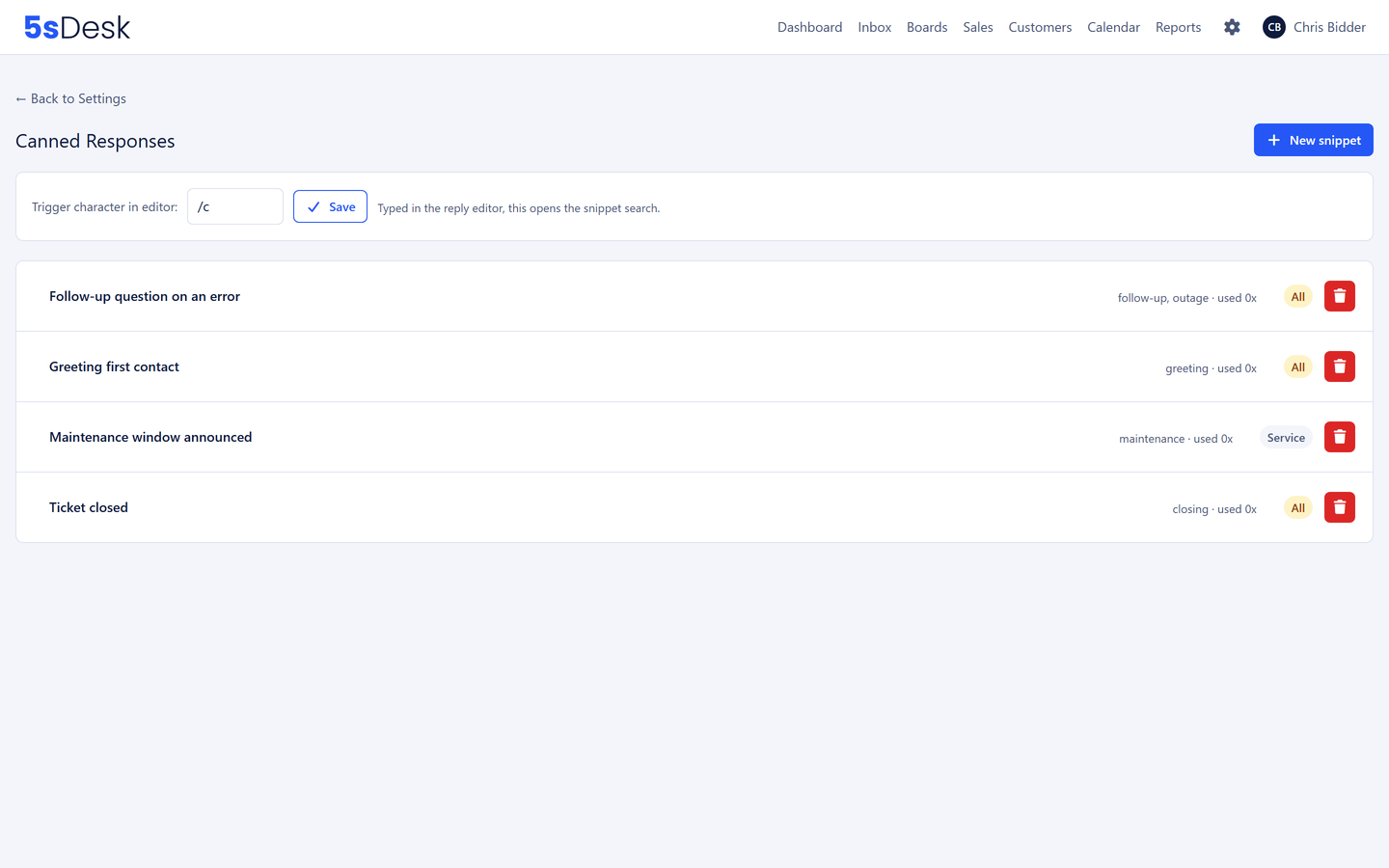
Canned responses for recurring answers, knowledge base for policies
30-day trial · cancel free of charge during the trial · every module in every plan
Everyday life in HR and accounts
Three things that get buried in the internal mailbox
Who produced the certificate?
The request for a salary certificate sits in the shared mailbox. Two colleagues produce it, or nobody does.
HR data visible to everyone
A mailbox where everyone reads everything is no place for sick notes and salary questions.
The same question every month
"When do I have to submit my expenses by?" is answered afresh every month.
How it runs
An HR request from start to finish
1
Step 1: Request to hr@
The employee writes to hr@ or raises the ticket in the portal. It gets a number, the HR department and a deadline. Only HR can see it.
2
Step 2: Ownership takes care of itself
Automatic assignment gives the ticket to the HR officer with the fewest open cases. Absent colleagues are skipped.
3
Step 3: A reply with a canned response
For the certificate there is a canned response with placeholders for name and date. On sending, the status switches to "Waiting for feedback".
4
Step 4: A question to accounts
An internal question goes as a comment with an @-mention to the colleague in accounts, without the whole ticket becoming visible to them.
5
Step 5: Status in the portal, answer in the knowledge base
The employee sees "Done" in the portal. Because the question keeps coming up, the reply becomes an internal article for all employees.
The features behind it
What HR and accounts use most in 5sDesk
Visibility per department
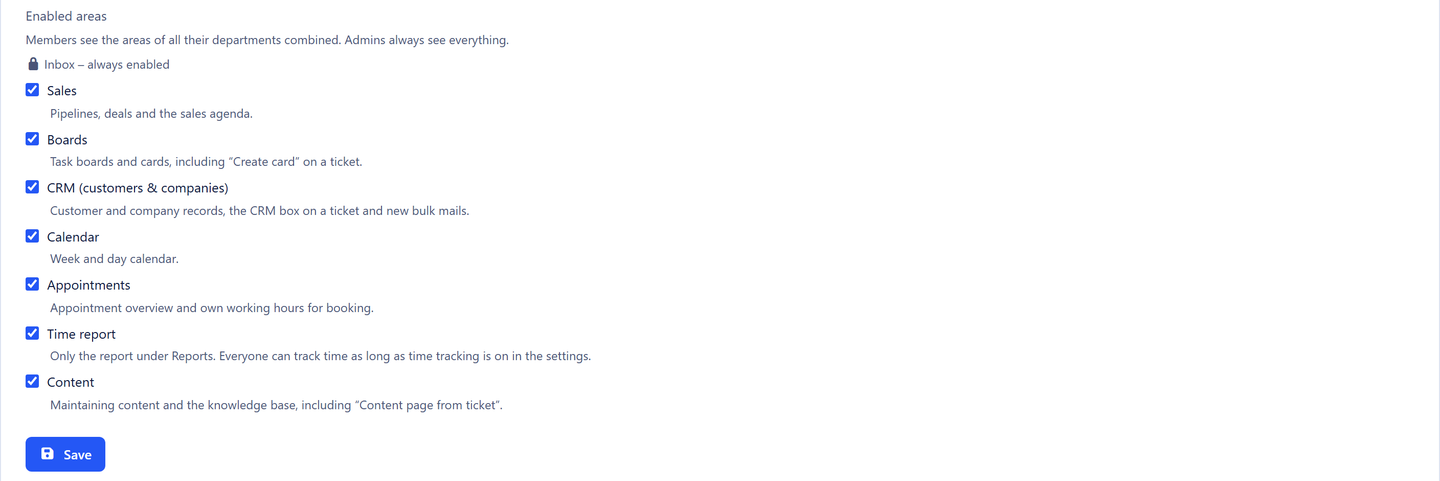
Tickets, boards and internal articles can be restricted to departments. HR matters are not automatically visible to everyone. On top of that you release per department which areas it sees at all: HR does not need sales, accounts does not need boards. A department lead manages deletion and reporting in their own area, without rights over the whole organisation.
Certificates, deadlines and policies as canned responses with placeholders. The knowledge base holds the travel policy, leave rules and expense deadlines as internal articles for all employees, with suggestions in the reply box.
Employees sign in via a link, raise requests with structured fields such as employee number or cost centre, and see the status in three groups. Every attachment of a ticket in one place.
The details HR and accounts need sit on the ticket and can be filtered.
Employee number
Cost centre
Type of request
Document number
Requester's department
Deadline under the policy
Visibility per department
HR matters stay within HR
Mailboxes per department
hr@, accounts@, distributed automatically
Internal knowledge base
Policies for all employees
Two-factor sign-in by email code
Can be switched on for the whole organisation
Hosted in Germany
Data centre in Nuremberg
Frequently asked questions
Which internal departments is 5sDesk suited to?
Any that receive requests by email or portal and want to handle them with an owner, a deadline and a status: HR, accounts, office management, purchasing. Custom fields, departments and visibility settings tailor the system to each area.
How do we protect HR data from other departments?
Through visibility per department: tickets from the HR mailbox are seen by HR only, and boards and internal articles can be restricted in the same way. Areas such as sales or time reporting are released per department, and only leads and administrators delete customers. Questions to other departments run as comments with an @-mention.
Do employees have to remember a password?
No. The portal works with sign-in links by email. For your team in 5sDesk there is also two-factor sign-in by email code.
How do we manage requests to accounts, such as invoice queries from suppliers?
Just like internal requests: accounts@ as a mailbox with the Accounts department, custom fields such as document number, canned responses for remittance advice and deadlines for replies. Suppliers reply by email, without portal access.
Internal requests with a status and an owner
Connect hr@, set the visibility, handle the first request. Try it for 30 days.